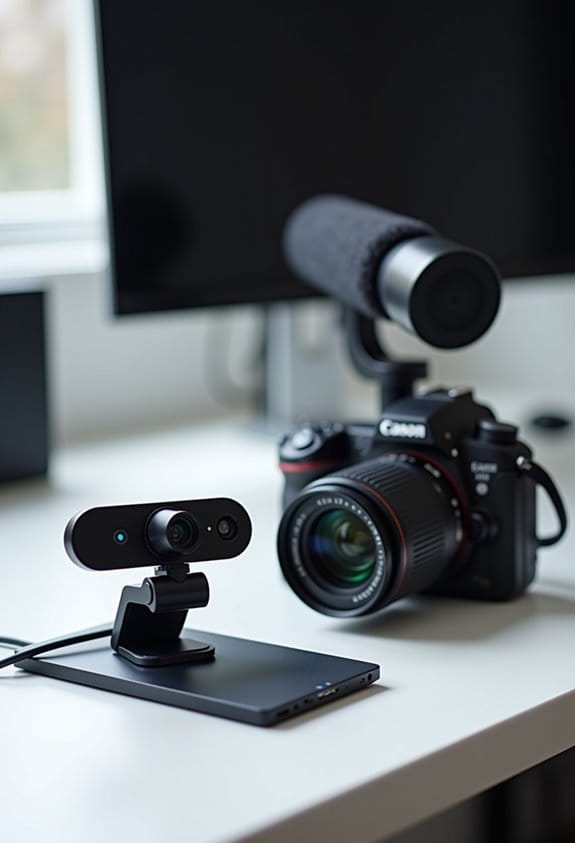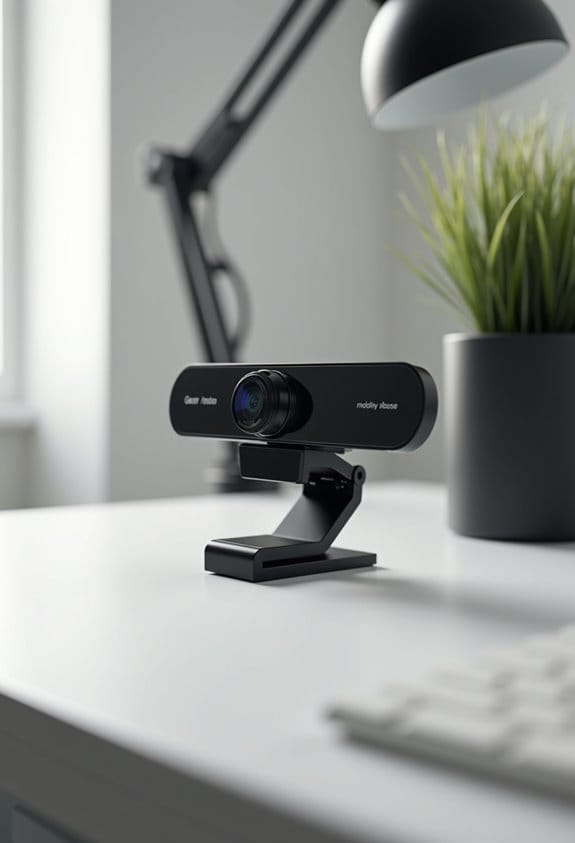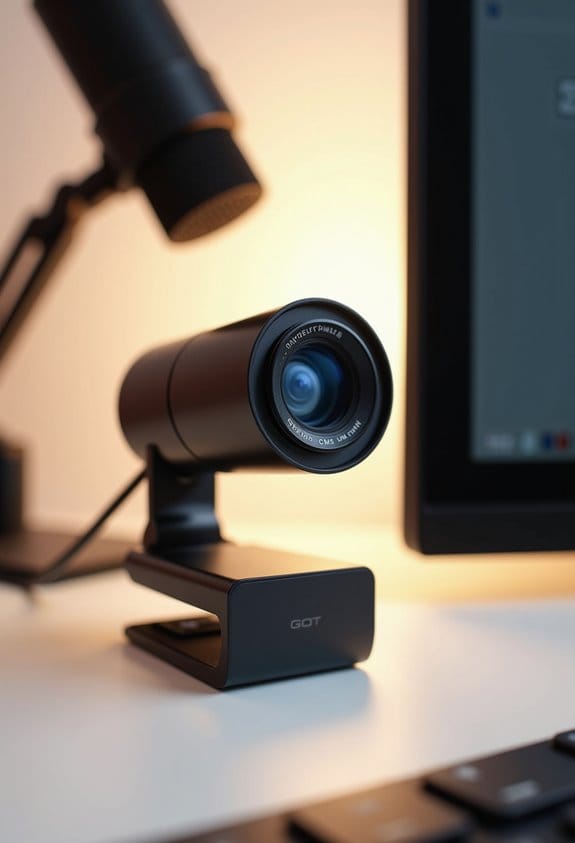

Webcams operate using CMOS sensors to turn light into digital images, making video calls possible. As light hits the sensor, it converts it into electrical signals, amplified and digitized for real-time streaming. This technology enhances video quality through noise reduction and automatic white balance, ensuring clear visuals. Users will often notice improved images in low light as well. Those curious about advanced features like AI background blurring and image stabilization will find more exciting information ahead.
Key Takeaways
- Webcams use CMOS sensors to convert light into digital signals, enabling real-time video capture.
- Light is captured by the webcam lens and transformed into electrical charges by tiny sensors.
- An Analog-to-Digital Converter (ADC) changes electrical signals into digital format for transmission to a computer.
- Image processing techniques enhance quality with noise reduction and automatic white balance for clearer visuals.
- Future advancements in webcams include larger sensors, AI integration, and improved image stabilization for better performance.
Overview and Functionality of Webcams

You know how we often think of webcams as just those little cameras on our computers? Well, they’re actually pretty cool pieces of technology! Webcams use something called CMOS sensors to turn light into digital signals. Imagine each pixel in the camera having a tiny light-sensitive part that captures the light and then sends that information as digital data. This process is super quick and helps in reducing any unwanted noise in the image, especially compared to older technologies like CCD sensors.
When light comes through the webcam lens, it becomes pixel data almost instantly. This means you can have live video chats or stream yourself in real-time without any delays. For instance, if you’re on a video call with a friend, everything you say and do shows up on their screen right away! The quality of the image really depends on factors like resolution and frame rate, which are pretty much the number of pixels and how smoothly the video plays. If you’re using a high-resolution camera on a decent computer, you’ll notice a big difference compared to a basic setup. Many modern webcams also feature HDR technology, which significantly improves video quality in low-light conditions.
How Webcams Operate: The Workflow Explained

Hey! Have you ever wondered how webcams actually work? It’s pretty cool! When light comes through the lens of a webcam, it triggers a series of steps that transform that light into images we can see on our screens. First, this light hits a special chip called a CMOS sensor, which is like the camera’s brain.
The grid of tiny sensors inside this chip grabs that light and changes it into electrical charges. Imagine it like a small factory where each photodiode works hard to catch the light. After that, some surrounding transistors step in to boost these electrical signals, making them strong enough to be useful. It’s kind of like turning up the volume on your favorite song so you can really hear it!
Next up, the webcam has an Analog-to-Digital Converter (ADC) that takes these amplified signals and converts them into digital format. This is a crucial step because it’s what allows your computer to understand the information. Once this is done, the webcam sends the digital data through a USB connection to your computer. That’s how, whether you’re video chatting with a friend or streaming your gaming session online, you see everything in real time.
Isn’t it fascinating how such a small device can handle these complex processes? It’s like a mini-engineering marvel sitting right on your desk. High-quality webcams with features like low light correction can significantly enhance image clarity during video calls or streams. But that’s just the hardware side of the story; next, let’s explore how software plays a role in enhancing our webcam experience!
Recommended Products
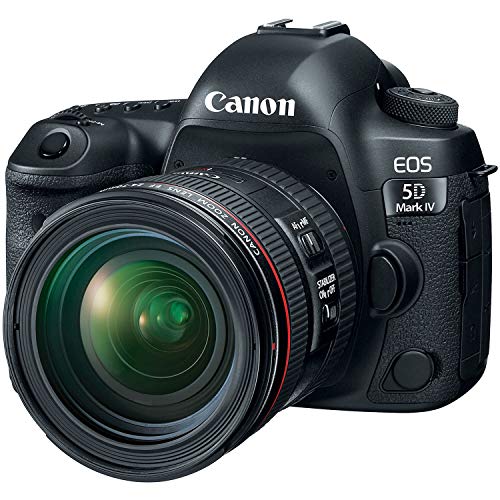
30.4 MP full-frame CMOS sensor for versatile shooting

Fastest shooting EOS-1D, capable of up to 14 fps full-resolution RAW or JPEG, and up to 16 fps in Live View mode with new Dual DIGIC 6Plus Image Processors

Nikon USA AUTHORIZED MODEL - Includes Full Nikon USA WARRANTY.
Webcam vs. Traditional Camera: Key Differences

When you think about webcams and traditional cameras, each one really shines in its own area of photography and video. Webcams are usually equipped with CMOS sensors, which make them low-power and super portable—perfect for quick video chats with friends or remote meetings. On the other hand, traditional cameras often have larger sensors and better lenses, so they deliver stunning image quality that’s perfect for everything from family portraits to breathtaking landscapes.
If you’ve ever noticed that your webcam captures video at about 30 frames per second, that’s pretty standard for smooth chatting. But traditional cameras can crank out much higher frame rates, which is a huge plus if you’re filming something fast-paced, like sports or action scenes. Plus, since webcams connect easily through USB ports, you can set one up in seconds, while digital cameras might need a little extra gear, like a tripod or an external microphone, depending on your setup. Many modern webcams also integrate noise-canceling microphone technology to ensure clear audio during calls.
Recommended Products

4K AI Camera for Video Conference: This smartboard with camera comes with a 4K resolution AI-tracking camera, intelligently detects and follows the presenter when they move around the room, and the 8-array microphones can pick up a wider range of sound. Complements existing third-party videoconferencing such as Zoom, Google Meet, Microsoft Teams, Webex, etc., making it an ideal part for teaching and meeting scenarios

AI‑READY BUSINESS LAPTOP – The ThinkPad T14 is built for professionals who rely on steady performance throughout the workday. Built‑in AI capabilities help improve everyday tasks and smarter workflows, while an advanced thermal system helps manage heat during demanding use. Tested to MIL‑STD‑810H military‑grade standards, its tough yet lightweight design and long battery life make it a reliable option for work on the move.

HIGH QUALITY VIDEO: 1920 x 1080 resolution with 12x optical zoom to capture the smallest details with absolute clarity at every focal length.
Boosting Webcam Quality With Image Processing
Hey there! Have you ever wondered how to transform video quality for your webcam? It all comes down to some clever image processing techniques. Webcams with CMOS sensors use advanced technology to really boost the image quality, making your video calls look much clearer and more vibrant.
For example, with a bit of noise reduction, your webcam can filter out the grainy spots that sometimes show up, especially in low light. Plus, features like automatic white balance help adjust the colors in your video to keep them looking natural, even if the lighting in your room isn’t perfect. Imagine having your webcam automatically brighten things up when the sun goes down—that’s real-time processing at work!
Another cool trick is multi-frame processing. Your webcam can take several quick snapshots of your environment and combine them, which reduces distortion and enhances detail. This means you get a sharper image, so you’ll look your best in those important meetings or family calls.
Besides image processing, many webcams also integrate advanced light correction to improve video quality in low-light environments.
Recommended Products

A whole new level of camera intelligence from new AI processing unit.Aspect Ratio : 3:2

✔️Bundle Accessories - Along with the accessories from Sony, the Sony Alpha 7C R bundle Includes additional accessories such as, Hurricane Blower, Essential Cleaning Kit, 3-in-1 USB-C Card Reader, Microfiber Cleaning Cloth.

Auto-Tracking and Auto-Framing: The PTZOptics Move 4K 30x Auto-Tracking PTZ Camera in Gray enable auto-tracking or auto-framing, perfect for education, conferences, live broadcasts, and more
The Impact of Shutter Technology in Webcams
Hey there! Let’s chat about something pretty interesting – shutter technology in webcams and how it impacts video quality. You know, webcams usually come with two main types of shutter systems: the rolling shutter and the global shutter. With a rolling shutter, the camera captures the image line by line, which can cause those noticeable skewing effects during quick movements, like when you wave your hand too fast in front of the camera. You might have seen this during a video call when someone moves quickly and their image gets a little wobbly.
On the flip side, a global shutter captures all the pixels at once, making it great for high-speed action. Think about a sports event where players are moving rapidly; a global shutter would give you crisp and clear images without the distortion. Most webcams you find on the market use more affordable CMOS sensors, which typically rely on that rolling shutter technology. But here’s the good news: advancements in sensor technology are helping to improve things! Manufacturers are working on better pixel sizes and enhanced digital signal processing. These improvements should lead to sharper and smoother video quality for all of us. Additionally, integrating webcams with low-latency capture cards can further enhance real-time video streaming experiences.
Fixing Common Webcam Problems
Hey! Have you ever faced those annoying moments when your webcam just doesn’t want to work with you? Webcam issues usually pop up because of problems with driver installation. If your USB webcam isn’t showing up automatically, it might be time to manually download the driver from the manufacturer’s website.
Also, did you know that tweaking your settings can make a big difference? For instance, adjusting the resolution and frame rate can significantly improve your image quality, especially if you’re in a dimly lit room. Sometimes, you might notice that your webcam isn’t compatible with your operating system, which could lead to even more hiccups. Staying on top of driver updates is really important for keeping everything functional.
Another thing to consider is your computer’s processing power. If your device doesn’t have enough resources, you might experience lag or blurry images during video calls. That’s super frustrating, right? Closing unnecessary applications can help free up some resources, making your video calls smoother. It’s all about finding that sweet spot to keep your webcam running well!
Using a webcam with noise-canceling microphones can also greatly enhance the audio clarity of your calls, reducing background disturbances.
Recommended Products

【Powerful & Efficient for Business】Powered by a 13th Gen Intel Core i5 and Intel UHD Graphics with shared memory, this laptop handles multitasking, spreadsheets, video calls, and everyday office tasks with smooth, reliable performance.

Pi 5 features 64-bit quad-core Arm Cortex-A76 processor with aclock speed of 2.4GHz, delivering 2-3 times improved CPU performance compared to Pi 4B. Additionally, graphics performance sees significant boost with the 800MHz VideoCore VII GPU, supporting dual 4Kp60 display output via HDMI. The redesigned Pi image signal processor provides advanced camera support, offering users a smooth desktop experience and opening new possibilities for industrial applications

【High-Speed RAM And Enormous Space】32GB DDR4 high-bandwidth RAM to smoothly run multiple applications and browser tabs all at once; 1TB PCIe NVMe M.2 Solid State Drive allows to fast bootup and data transfer
Future Trends in Webcam Technology
Hey there! Have you ever thought about how far webcams have come and where they might be headed? It’s pretty exciting to think about future webcams featuring larger CMOS sensors, which will bring in a higher pixel count. What does that mean for you? Well, it’ll make video calls look way better, especially when the lighting isn’t perfect. Imagine chatting with a friend in a dimly lit room and still looking sharp!
Also, picture this: you’re recording a video while moving around, but instead of shaky, blurry footage, innovations in image stabilization will keep things crystal clear. That means less fuss over bad angles and more focus on what you’re saying! On top of that, we’re likely to see webcams harnessing the power of AI for cool features like automatically blurring your background, making it look like you’re in a fancy office or a cozy café without actually leaving your house.
Oh, and let’s talk about 5G – once that’s fully rolled out, it’ll make video streaming faster and smoother than ever, with hardly any delays. Plus, webcams might start getting smarter with facial recognition and motion detection. This means they could be super useful for home security, letting you know if someone’s in the frame when you’re not around.
All these advancements are changing the way we see and use webcams today. Additionally, advancements like optical sensors will significantly improve low-light video quality, making your streams and calls even clearer. So who knows what next? Maybe they’ll become our go-to device for both entertainment and security in ways we haven’t even imagined yet!
Choosing the Right Webcam for Your Needs
Choosing the right webcam can really make a difference in your video calls, so let’s break it down in simple terms. First off, think about resolution: higher numbers generally mean clearer images. A webcam with 720p (which is 1280 x 720 pixels) might do the trick for chats, but if you want something sharper, go for 1080p (1920 x 1080). It’s like comparing a regular TV to a high-def one!
Next up is frame rate, which is all about how smoothly your video looks. You’ll want a webcam that offers at least 30 frames per second; anything less can feel choppy and distracting. Most webcams use CMOS sensors, which are efficient and provide decent quality without draining your laptop’s battery. So if you’re using it for long sessions, that’s a nice bonus!
Then there’s connectivity. While USB 2.0 usually works just fine, if you’re streaming in higher quality, opting for USB 3.0 can help you avoid lags during your calls thanks to its faster data transfer speeds. And don’t forget about audio—many built-in microphones offer different quality levels. Some even come with noise-canceling features which can be super handy if you’re in a noisy environment.
In a nutshell, the right webcam can really elevate your video calling experience. Whether you go for that crisp 1080p resolution or invest in a reliable microphone, each piece plays a vital role in how you come across on screen. With that covered, let’s talk about the extra features that can really enhance your setup! Many webcams also offer wide field of view options, perfect for including multiple people or showing more of your surroundings.
Recommended Products

BETTER COLLABORATION. The Meeting Owl Pro captures 360° video in 1080p HD and 360° audio up to 18’ (5.5m) and automatically focuses on whoever is speaking to foster active collaboration and increased participation. Option to pair Meeting Owl Pros using Owl Connect to support even larger conference rooms and classrooms.
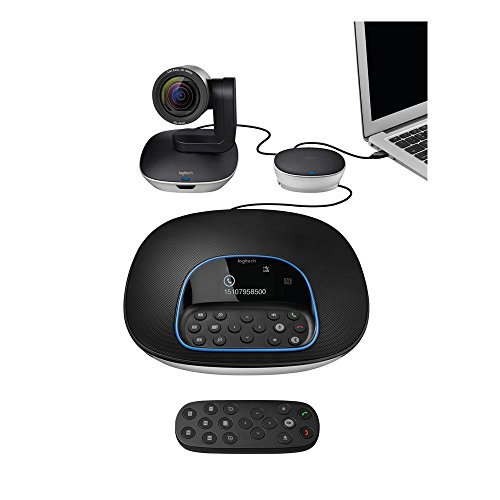

【Crystal-Clear Imaging & 40X Hybrid Zoom】: The wireless live streaming camera features 40X Hybrid Zoom (10x optical zoom, 4x digital zoom), delivering exceptionally clear images even from 100ft away. Equipped with 1/2.8" CMOS Sensor, it ensures clarity and detail in low-light conditions. The stream camera streams in Full-HD 1080P and records in QHD 1440P, ideal for vloggers, streamers, and content creators seeking high-quality image.
Frequently Asked Questions
What Are the Typical Resolutions Available for Webcams?
Webcam resolutions act like windows to a digital world, typically ranging from HD Ready to Full HD, and even 4K. Enhanced with low light performance, autofocus technology, and built-in microphones, they guarantee peak streaming quality and USB compatibility.
How Do Lighting Conditions Affect Webcam Performance?
Lighting conditions greatly influence webcam performance. Quality of light, whether natural or artificial, impacts color balance and image clarity. Low light challenges exposure settings and dynamic range, necessitating performance enhancement for best results.
Can Webcams Work Without Dedicated Drivers?
Webcams can function without dedicated drivers, utilizing plug and play capabilities. However, ensuring software compatibility and meeting system requirements enhances user experience. Troubleshooting tips may involve adjusting webcam settings or exploring alternative connections for peak performance.
What Is the Lifespan of a Typical Webcam?
A typical webcam lasts between 3 to 7 years, influenced by its durability, image quality, usage frequency, manufacturing quality, technology advancements, user care, power consumption, environmental factors, and evolving market trends.
Are Webcams Compatible With All Operating Systems?
Webcams often face compatibility challenges due to operating system variations, driver support issues, and software compatibility checklists. Users should review system requirements and consider operating system updates for ideal integration with video conferencing platforms via USB connections.