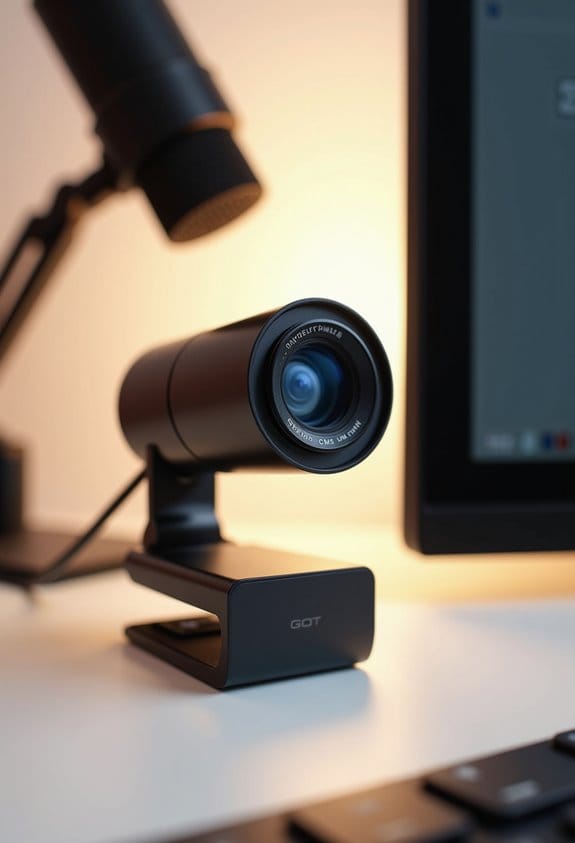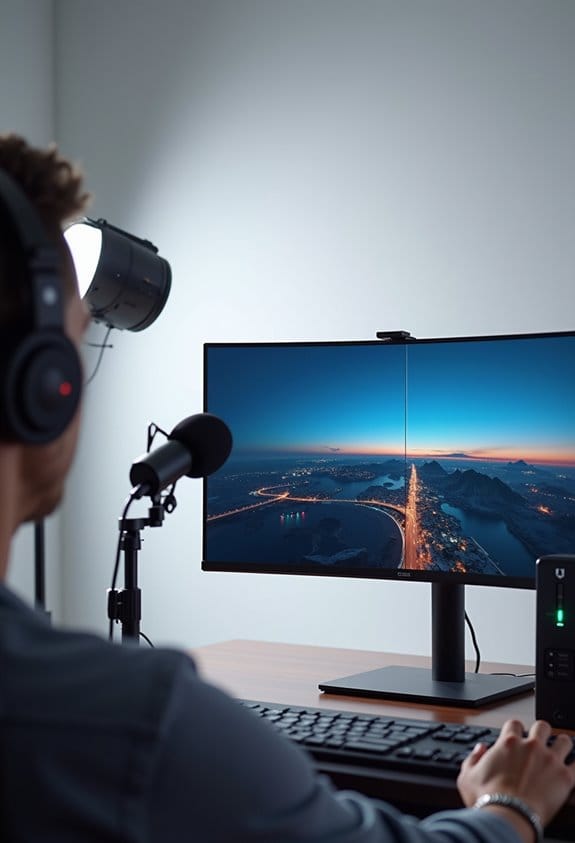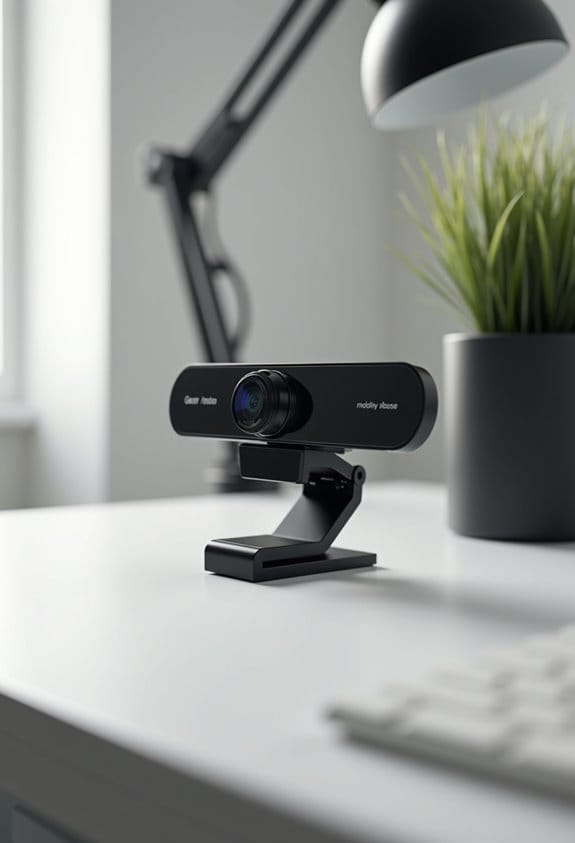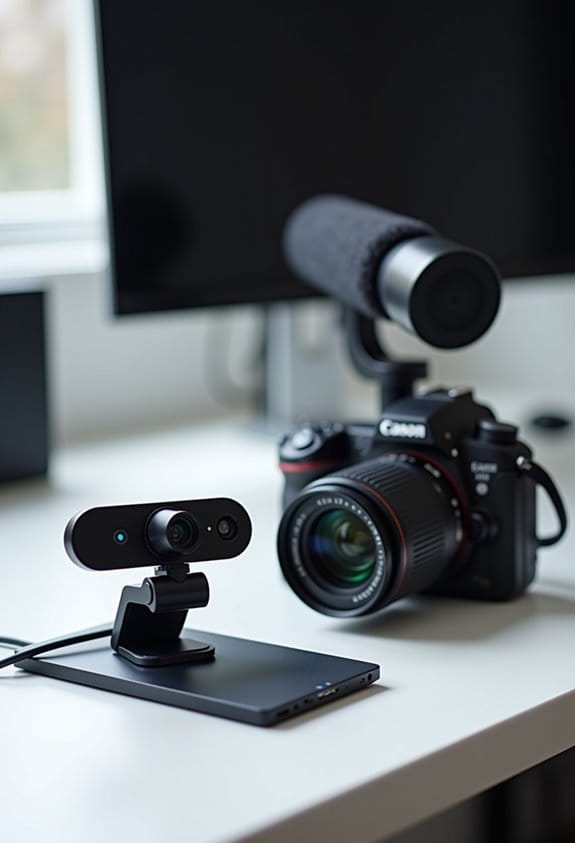

When it comes to streaming, choosing between a webcam and a DSLR with a capture card truly depends on individual preferences and goals. Webcams, like the Logitech C920, offer simplicity, plug-and-play convenience, and decent 1080p quality at a comfy budget of around $200. Conversely, DSLRs, such as the Canon EOS Rebel T7, deliver exceptional video quality, especially in low light, but demand more complexity and higher investment, sometimes exceeding $1,500. Want to know more about making the right choice?
Key Takeaways
- Webcams are budget-friendly and user-friendly, ideal for beginners, with a typical cost around $200 and simple plug-and-play setup.
- DSLRs offer superior video quality, especially in low light, reaching up to 100 Mbps, but require a capture card for connection.
- Webcams typically provide 1080p resolution at 60 frames per second, sufficient for most streaming needs without requiring complex settings.
- DSLR setups can exceed $800, providing excellent dynamic range and customizable lenses, but may overwhelm novice users with manual adjustments.
- Choose based on streaming goals: prioritize ease and cost with webcams or invest in DSLRs for unparalleled image quality and versatility.
Understanding Your Streaming Needs: Webcam Vs. DSLR With Capture Card

So, you’re thinking about the best setup for streaming, right? You’ve got a couple of main options: a webcam or a DSLR with a capture card. If you’re just starting out or working with a tight budget, you’ll find webcams super convenient. They’re really easy to use—just plug it in and you’re good to go! Typically, the video quality sits around 10-20 Mbps, which is totally fine for casual streams.
On the flip side, if you want to take your streaming to the next level, a DSLR could be the way to go. These cameras offer outstanding video quality, especially in tricky lighting situations, thanks to their larger sensors and the ability to swap out lenses. When paired with a good capture card, you can stream at resolutions that can hit up to 100 Mbps! For instance, if you’re into streaming detailed art or gameplay, that rich quality makes a big difference for your audience.
Of course, setting up a DSLR can take a bit more time and money initially. But if you’re serious about creating engaging content and growing your audience, the investment can really pay off. It’s like setting up a home studio—you might need to put in some effort, but the results are often worth it! Now, let’s talk about what kind of content you plan to stream, as that can help fine-tune your setup even more. Also, don’t forget that audio quality plays a crucial role in keeping your viewers engaged and enhancing the professionalism of your streams.
Essential Webcam Features for Streaming Success

Hey there! Choosing the right webcam for streaming can definitely feel a bit overwhelming with so many choices out there. But here’s the deal: for streaming success, you’d want a webcam that offers at least 1080p resolution. This means your viewers will enjoy clear image quality, whether they’re watching on Twitch or YouTube.
Another important feature to consider is built-in autofocus. This handy tool makes sure your video stays sharp without you having to fiddle with settings mid-stream. Plus, if you’re planning on doing lots of action-packed gaming or live events, aim for a webcam that can handle at least 60 frames per second. This makes for a smoother viewing experience, which is super important when things get lively on-screen.
Don’t forget about sound either! Integrated microphones with noise cancellation can make a world of difference in terms of audio quality, reducing unwanted background noise. For an effortless setup, look for webcams that work well with popular streaming software like OBS and have plug-and-play functionality. This way, you can get started with your content creation without any technical hiccups.
Altogether, these features set you up for a better streaming experience, making it easier to connect with your audience. With the right webcam in place, you’re one step closer to turning your streaming dreams into reality! Ready to explore more gear that can boost your stream? Let’s dive into the next must-have tools!
Be sure to consider additional benefits like automatic light correction which can greatly improve your video quality in varying lighting conditions.
Why DSLRs Deliver Superior Streaming Quality

If you’re thinking about stepping up your streaming game, you should definitely consider using a DSLR instead of just sticking with a webcam. DSLRs have larger sensor sizes—typically 5 to 15 times more extensive than what webcams offer. This means they capture a lot more light and detail, so your image quality will look stunningly clear, even in dim lighting.
For instance, if you’re streaming at night, a DSLR can handle the low light beautifully, producing crisp video at higher ISO levels without that annoying noise you typically see with webcams. And let’s talk about the dynamic range; DSLRs can capture a variety of tones—up to 14.8 EV—so you won’t lose details in the bright highlights or deep shadows.
Plus, one of the coolest things about DSLRs is the ability to swap out lenses. Want that soft, blurred background that makes you pop out in the frame? You can easily achieve that with the right lens. With a simple capture card, you can stream for hours without the worries of typical webcam limitations. So, if you’re ready to elevate your streaming setup, a DSLR could really enhance the quality of your content. Additionally, many DSLR models offer built-in Wi-Fi for seamless content sharing and remote control during your streams.
How Capture Cards Boost DSLR Performance
Capture cards are pretty essential if you’re looking to get the most out of your DSLR for streaming. Think of them as the bridge that connects your camera to your computer, allowing you to broadcast in stunning quality. Instead of the blurred, grainy look you often get with standard webcams, using a capture card lets you stream at impressive resolutions like 4K and even at 60 frames per second. Imagine how much clearer and more vibrant your streams would look!
One cool benefit of capture cards is that they significantly cut down on lag. This means your viewers will see real-time video, which is super important for keeping the interaction going, especially in gaming or live Q&A sessions. Plus, you can explore fun features like adding custom overlays or even manipulating the video in real-time. For example, you can showcase graphics, alerts, or your personal branding in a more eye-catching way.
If you’re serious about content creation, investing in a solid capture card is a smart move. With the vibrant visuals and reduced latency, you’ll engage your audience more effectively and up your streaming game. Many top internal capture cards use a PCI Express x4 interface to ensure efficient data transfer and high-resolution streaming.
So, as you plan your setup, consider how a capture card could elevate your content. What’s next? Let’s talk about setting up the perfect streaming workspace!
Comparing Costs: Webcams And DSLRs Explained
So, let’s chat about cost when choosing between webcams and DSLRs for streaming. Right off the bat, these two options cater to different needs and budgets. If you’re just starting out or streaming casually, budget webcams are super accessible, often costing around $200 or even less. They get the job done and are easy to set up—perfect for a cozy gaming night with friends or casual chat streams.
Now, if you’re thinking about a DSLR setup, that’s a whole different ballgame. A full setup can run anywhere from $800 to $1,500, and you really need to factor in a good lens, a capture card, and other accessories. DSLRs do deliver outstanding image quality and handle low light like a pro, but keep in mind that you may also want an external microphone to enhance your audio, which can add to the total.
For instance, if you’re a dedicated content creator who wants that beautiful bokeh background or to film in dimly lit environments, investing in a DSLR can be worth it. But if your goal is to just connect with viewers without too much fuss, a reliable webcam might be exactly what you need. It really comes down to your personal goals and how serious you are about your streaming journey. Many advanced cameras also offer anti-shake technology to ensure smooth video for professional-quality streams.
How Easy Is It To Set Up A Webcam Vs. A DSLR?
Setting up a webcam is super simple, making it a favorite for anyone eager to start streaming. You just plug it in via USB, and within minutes, you’re up and running! Plus, many webcams come with built-in microphones, so you won’t need to fuss over extra audio gear.
On the flip side, DSLRs are a bit more complex. To connect one to your computer, you’ll usually need a capture card to convert the HDMI signal. That might sound a bit technical, but it just means you need to know a little more about your gear. And don’t forget—making sure your software can work with the DSLR is essential. While DSLRs can deliver stunning image quality and give you more flexibility in your shots, the setup can feel a bit overwhelming if you’re new to all of this. Many webcams also support plug-and-play USB connectivity, ensuring hassle-free installation for most users.
Advanced Manual Adjustments In DSLRs: ISO, Aperture, And More
Hey there! Let’s chat about how you can really up your streaming game with your DSLR. Understanding advanced manual adjustments like ISO, aperture, and shutter speed can make a huge difference in your video quality. For instance, if you’re streaming in a dimly lit room, you might want to crank up your ISO to 1600 or so, which can help brighten things up without sacrificing much quality.
Now, when it comes to aperture, think of it as the lens’s eye – the wider it is (like f/1.4), the more light it lets in, which is great for creating that dreamy background blur. On the other hand, if you want everything in focus, you might use a smaller aperture (like f/8 or f/11). And don’t forget about shutter speed! If you’re capturing fast movement, such as a quick game, setting your shutter speed to something like 1/500 of a second can help capture all those exciting moments without blurring.
Also, manual focus is a gem for tricky lighting situations. You can ensure your subject is always sharp, even if the auto-focus gets confused. And let’s not overlook white balance; adjusting it correctly can give your stream those natural-looking colors. So, keep these tips in mind, and you’ll be well on your way to creating a visually stunning experience that will captivate your audience! Now, let’s talk about sound – it’s just as important as what you see!
Using a ring light can significantly enhance your video quality by providing consistent, adjustable lighting that complements manual camera settings.
Finding The Right Camera For Your Streaming Goals
Finding the right camera for your streaming goals can really make a difference in how you connect with your audience. Start by thinking about image quality—this is important! If you’re serious about streaming, DSLRs are fantastic because they handle low-light settings really well. This means you can look great even if you’re streaming from a cozy, dimly lit room. On the other hand, if you’re just starting out and want something easy, a good webcam can do the trick without breaking the bank.
Speaking of budget, let’s get real. You can set up a decent webcam for around $200, which is great for beginners. In contrast, a DSLR setup might set you back anywhere from $800 to over $1,500 once you factor in all the necessary accessories like lenses and a tripod. Plus, keep in mind that DSLRs usually need a capture card to connect to your computer, which can add to your costs.
Ultimately, when choosing between a webcam or a DSLR, think about what you want to achieve. Are you looking for top-notch quality, or do you prefer the simplicity of a webcam? Getting clear on your priorities will help you make the right choice that suits your streaming style—and help you create content that resonates with viewers. So, what do you think—are you leaning toward a camera type yet? Using a capture card with real-time video and audio capture can significantly reduce lag to ensure smooth streaming performance.
Top Webcam And DSLR Recommendations For Streamers
When it comes to streaming, the camera you choose can really shape your entire experience. If you’re leaning towards a webcam, I highly recommend the Logitech C920 HD Pro Webcam. It offers crisp 1080p video, solid autofocus, and even has dual microphones for really clear sound. This setup is perfect if you want to get started without breaking the bank.
Now, if you’re considering stepping things up a notch, you might want to explore DSLR cameras. A great entry-level option is the Canon EOS Rebel T7, which provides fantastic image quality and won’t drain your wallet. For those of you who want to go all out, the Nikon D850 is a top choice. It shines in low-light settings and has a dynamic range that can make your streams visually stunning.
Just remember, no matter which camera you choose, adding a capture card like the Elgato Cam Link 4K can significantly boost your video quality. This combo can help you really connect with your audience on a deeper level. So, whether you’re just starting or looking to enhance your setup, there’s a perfect camera option out there for you! For those wanting to upgrade even further, consider webcams that offer UHD 4K resolution for superior detail and color accuracy.
Deciding On Your Perfect Streaming Camera
Choosing the perfect streaming camera can feel a bit overwhelming, right? It’s not just about picking a webcam or a DSLR; there’s a lot to consider. For instance, webcams are super user-friendly and can be plugged in straight away—perfect for those who are just starting out or streaming casually. On the flip side, if you’re aiming for top-notch image quality, especially when streaming in low-light settings, DSLRs are your best bet due to their larger sensors and superior capabilities.
But here’s the catch: DSLRs come with a heftier price tag, often starting above $800, and they can be heavier, making them less convenient to set up. You’ll also need a capture card to get everything running. If you’re into high production value or plan on doing some serious photography while streaming, then DSLRs are worth considering despite the investment. However, if you’re focused on keeping things simple and budget-friendly, you can usually find great webcams under $200 that do the job just fine.
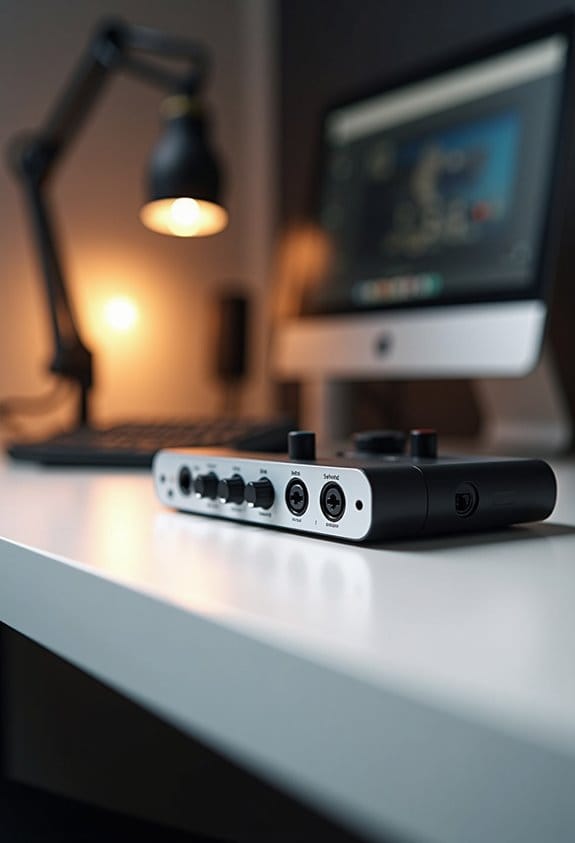
In the end, think about your streaming goals and audience. Are you showcasing gameplay, doing tutorials, or perhaps vlogging? Your content type will greatly influence which option suits you best, and the right camera can make all the difference. Now, let’s talk about other features you might want to consider when making your choice, like audio quality and connectivity options. Additionally, ensuring your setup includes high-quality audio interfaces can greatly enhance your streaming experience by providing clear, professional sound.
Frequently Asked Questions
Is It Better to Use a Camera or Webcam for Streaming?
For streaming purposes, a camera generally enhances image quality considerably compared to a webcam. However, user experience varies; considerations such as price comparison, setup complexity, lighting conditions, and audio integration play vital roles in decision-making.
Which Type of Camera Is Best for Live Streaming?
For live streaming, the best camera depends on content type and user experience. DSLRs offer superior camera quality and streaming resolution but have higher equipment costs and setup complexity, while webcams provide accessibility and ease of use.
Do Streamers Use Cameras or Webcams?
Do streamers prefer cameras or webcams? Most streamers utilize webcams for affordability and ease, but many choose cameras for superior streaming quality. Camera settings, video resolution, and lighting techniques greatly influence their platform compatibility and user preferences.
Do Streamers Use Capture Cards?
Many streamers utilize capture cards to enhance video quality in live streaming. With various capture card types available, streamer preferences often depend on budget options and compatibility with popular streaming software, ensuring maximum performance and flexibility.